Part Number: 5-915-2-08-22

IPEVO VurboCam 4K Vurbo.ai-Powered Webcam
Vivid Visuals,
Clear Sound,
Instant Insights
Instant Insights


4K Ultra HD

High-Sensitivity Microphone

AI Transcription & Summary

Real-Time Translation
Your AI-Powered Meeting Companion From Conversation to Comprehension
Experience clarity and intelligence in one device. The VurboCam 4K , delivers ultra-high-definition 4K video and features an omnidirectional microphone that captures crystal-clear audio for virtual meetings. Integrated with Vurbo.ai software, it enables real-time transcription, translation, and summarization of conversations. Each discussion is instantly processed and organized, ensuring clear communication and driving productivity across every meeting.
Let AI Take Notes. You Take the Lead
Remote Meetings
Online Webinars
Virtual Interviews
Legal / Health Consultations
Customer Support / Sales Demos
Enable real-time translation between multilingual participants and generate instant meeting summaries without taking manual notes.
Deliver engaging sessions with real-time subtitles and automatic post-session summaries to enhance accessibility and knowledge retention.
Record and transcribe candidate interviews for easier evaluation, compliance tracking and efficient documentation.
Generate accurate, documented summaries of clients or patient interactions to support notes and follow-ups, secure recordkeeping.
Record client questions, needs, and next steps with exceptional clarity.
The 13MP sensor delivers fine textures and details as close as 0.39 inches (1 cm), ensuring every interaction is clear, personalized, and well-documented.


4K Ultra HD (13MP)
120° Lens
Privacy Cover
AI Assist Button

Delivers sharp video that elevates your presence and performance.
Offers a clean, wide perspective with precise framing for any setup.
A sleek, integrated cover ensures privacy is always one slide away.
With Vurbo.ai active, press and hold the button for 3 seconds to toggle transcription on or off. Tap once to pause or resume.
Note: Currently available on Mac only.


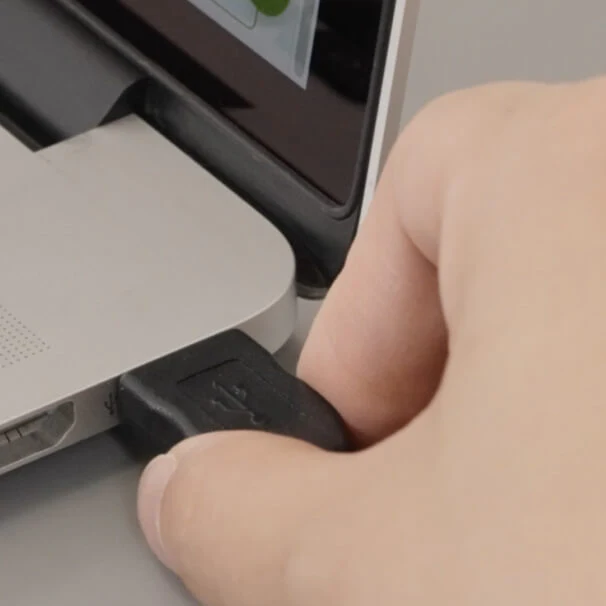
Plug and Play, Easy to Setup
Instantly connects to your computer and is ready to use.

VurboCam Compatible with All Monitors
Seamlessly mounts on a wide range of monitors.

Works with Everything
Plug and play compatible with Zoom, Google Meet, Microsoft Teams, Webex, GoToMeeting, and more - on Windows, Mac, and Chromebooks.

*All trademarks, logos, and brands are the property of their respective owners and are used for identification purposes only.